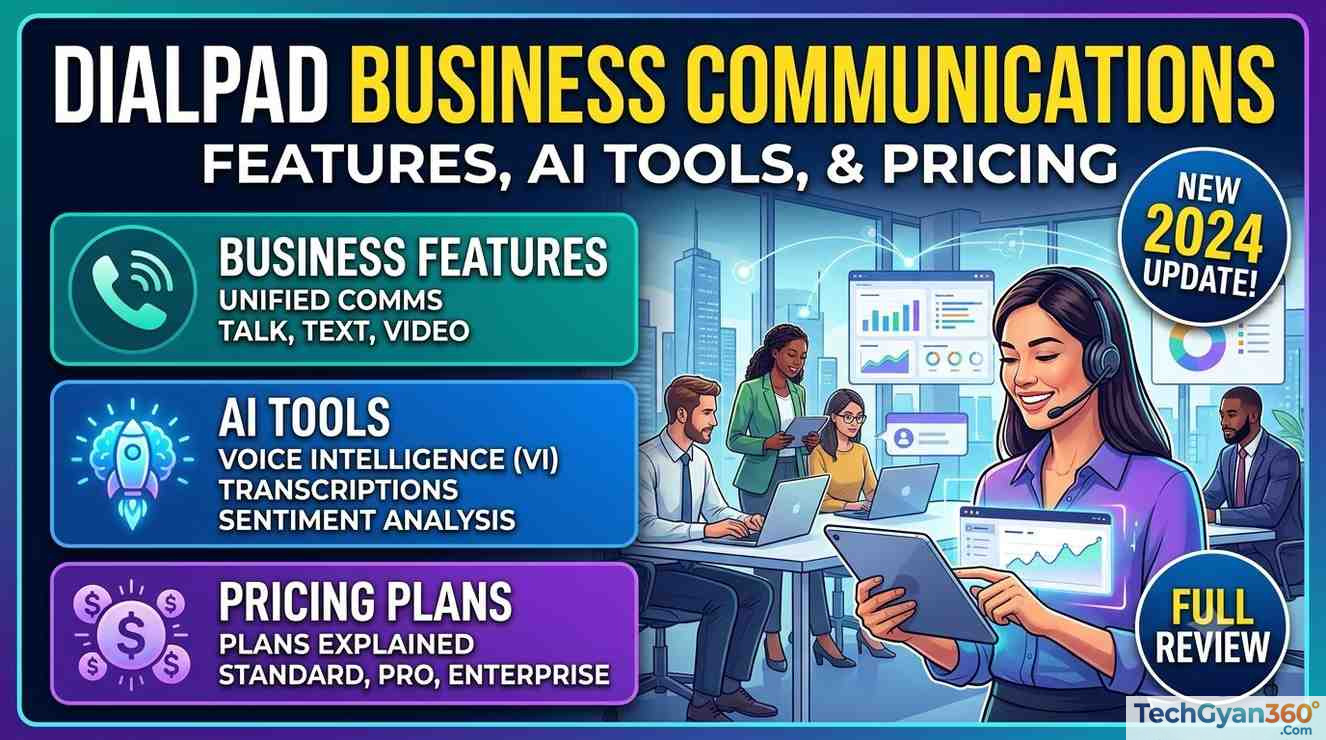

Dialpad Business Communications – Choosing a business phone system today means choosing more than just a dial tone. Modern teams need calling, messaging, video meetings, and AI-powered insights in one place — and that’s exactly the gap Dialpad is built to fill. This guide breaks down what Dialpad Connect actually does, how its AI features work, and — most importantly — what every Dialpad plan costs in 2026, so you can decide whether it’s the right unified communications platform for your business.
What Is Dialpad?
Dialpad is a cloud-based, AI-powered business communications platform that combines voice calling, team messaging, video meetings, and contact center tools into a single application. Instead of juggling a separate phone system, a video conferencing app, and a help desk tool, teams run everything from one login — on desktop, mobile (iOS and Android), tablet, or a compatible desk phone.
What sets Dialpad apart from a traditional VoIP provider is its AI layer, branded Dialpad Ai. Every call and meeting can be automatically transcribed, summarized, and turned into action items — no manual note-taking, no lost details from a customer call.
Dialpad’s platform is organized around four core products:
- Dialpad Connect — the core unified communications (UCaaS) product for calling, messaging, and meetings
- Dialpad Support — an AI-powered contact center / customer support solution
- Dialpad Sell — a sales engagement and outbound dialing platform
- Dialpad AI Agents — autonomous voice and chat agents that can complete tasks and hand off to human reps
Key Features of Dialpad Connect (Business Communications)
1. Unified Voice, Messaging, and Video
Dialpad Connect brings phone calls, SMS/team messaging, and video meetings into one AI-powered workspace, so employees don’t have to switch between apps to stay in touch with colleagues and customers.
2. AI Recaps and Real-Time Transcription
One of Dialpad’s most-searched features is AI Recaps — automatic summaries of calls and meetings that highlight key discussion points, decisions, and next steps. Combined with real-time call transcription and voicemail transcription, this eliminates manual note-taking and turns every conversation into a searchable record.
3. Deep CRM and Business Tool Integrations
Dialpad connects natively with the tools teams already use, including:
- Salesforce
- HubSpot
- Zendesk
- Zoho
- Microsoft Teams and Microsoft Dynamics
- Google Workspace
- Front and ServiceNow
This keeps customer data in sync across systems without disrupting existing workflows, and it’s a major reason mid-size and enterprise teams choose Dialpad over single-purpose phone apps.
4. Enterprise-Grade Security and Compliance
Dialpad runs on a dual-cloud architecture designed for 100% uptime and is built to meet enterprise compliance standards including HIPAA, GDPR, CPRA, LGPD, ISO, and SOC 2 (AICPA), making it a viable option for regulated industries like healthcare and financial services.
5. Fast, Low-IT-Lift Setup
Because Dialpad is entirely cloud-based, it’s designed for quick deployment — teams can typically get up and running with minimal IT involvement compared to legacy on-premise PBX systems.
6. Cross-Device Availability
Dialpad works across desktop apps, web browsers, iOS and Android mobile apps, tablets, and supported desk phones, so employees can stay reachable whether they’re in the office, at home, or on the road.
Dialpad AI Products Explained
Dialpad has expanded well beyond phone calls into a broader agentic AI communications platform:
- Dialpad AI Agents — Autonomous voice and digital agents that understand customer intent, take action across connected systems (like scheduling or order lookups), and hand off to a human agent with full context when needed.
- Dialpad Support — An AI contact center solution built to resolve customer issues in real time rather than just routing tickets, backed by features like AI CSAT, sentiment analysis, and workforce management.
- Dialpad Sell — An outbound sales tool with automated playbooks and real-time in-call coaching to help sales reps close more deals.
Dialpad Pricing 2026: Complete Breakdown
Dialpad uses a per-user, per-month pricing model that varies by product line (Connect, Support, Sell) and by billing frequency (monthly vs. annual). Below is a summary based on Dialpad’s published pricing and independent analyses; always confirm current rates on Dialpad’s official pricing page, as SaaS pricing changes frequently.
Dialpad Connect (Business Phone System) Pricing
| Plan | Annual Billing | Monthly Billing | Best For |
|---|---|---|---|
| Standard | $15/user/month | $27/user/month | Freelancers and very small teams (1-user minimum, 1 office location) |
| Pro | $25/user/month | $35/user/month | Growing businesses needing CRM integrations (3-user minimum, up to 10 office locations) |
| Enterprise | Custom quote | Custom quote | Larger organizations needing SSO, 99.9% uptime SLA, and unlimited ring groups |
What you get by tier:
- Standard covers core cloud calling but excludes CRM integrations, 24/7 phone support, international texting, and multi-office support.
- Pro unlocks Salesforce, HubSpot, Zendesk, and Zoho integrations, global SMS, multiple phone numbers, and Single Sign-On support — making it the tier most businesses land on.
- Enterprise adds a 99.9% uptime SLA, unlimited ring groups, priority routing, and dedicated support, with pricing available only through Dialpad’s sales team.
Dialpad Support (AI Contact Center) Pricing
| Plan | Price (per user/month) |
|---|---|
| Essentials | Starting around $80 |
| Advanced | Starting around $115 |
| Premium | Starting around $150 |
Dialpad Sell (Sales Engagement) Pricing
| Plan | Price (per user/month) |
|---|---|
| Essentials | Starting around $39 |
| Advanced | Starting around $95 |
| Premium | Starting around $150 |
Dialpad AI Agents Pricing
Dialpad AI Agents use a conversation-based (usage) pricing model rather than flat per-user fees:
- You purchase a pool of AI Agent Credits.
- Credits are consumed only when the AI actually delivers value — for example, retrieving information or completing an action like scheduling or order lookup.
- If the AI doesn’t do meaningful work in an interaction, you aren’t charged for it.
Because this model is usage-based, exact costs depend on conversation volume and complexity — you’ll need to talk to Dialpad’s sales team or use their ROI estimator for a tailored quote.
Things to Watch Out for in Dialpad’s Pricing
Before you commit, keep these often-overlooked details in mind:
- Monthly billing costs significantly more than annual billing — often 40–70% higher per user.
- “Unlimited calling” typically applies only to the US and Canada; international calls are billed per minute.
- SMS has message caps on lower tiers, with overage charges once you exceed the included allowance.
- Enterprise pricing is not public — you’ll need to request a custom quote, and Enterprise plans often carry higher user minimums.
- Contact center and sales dialer features are separate products (Dialpad Support and Dialpad Sell), not included in the base Connect plan.
- Add-ons like additional phone numbers, advanced video capabilities, and premium support can increase your total cost beyond the advertised starting price.
Dialpad Pricing FAQs
What is the cheapest Dialpad plan? The Dialpad Connect Standard plan is the most affordable option, starting at $15 per user per month when billed annually.
Is there a free trial for Dialpad? Yes, Dialpad typically offers a free trial period so businesses can test the platform before committing to a paid subscription.
Does Dialpad charge more for monthly billing? Yes. Choosing month-to-month billing over an annual contract increases the per-user cost across all Dialpad Connect plans.
Can I get a custom Dialpad quote? Yes — Enterprise-tier pricing for Dialpad Connect, as well as pricing for Dialpad AI Agents, is only available by contacting Dialpad’s sales team directly.
What’s included in Dialpad Connect’s AI features? Dialpad Connect includes real-time call transcription, voicemail transcription, AI-generated call/meeting summaries (AI Recaps), and real-time analytics and reporting.
Which devices support Dialpad? Dialpad works on desktops, laptops, iOS and Android smartphones, tablets, and supported desk phones.
Is Dialpad Right for Your Business?
Dialpad is a strong fit if you want:
- A single platform for calling, messaging, and video instead of stitching together multiple tools
- Built-in AI transcription and call summaries without extra software
- Native integrations with Salesforce, HubSpot, Zendesk, or Microsoft Teams
- Enterprise-grade compliance (HIPAA, GDPR, SOC 2) for regulated industries
- The flexibility to add AI-powered contact center or sales engagement tools as you grow
It may be less ideal if your team needs heavy international calling included by default, high-volume SMS without overage fees, or full pricing transparency at the Enterprise level before talking to sales.
Final Thoughts
Dialpad has evolved from a simple cloud phone system into a full AI-powered customer communications platform, spanning business calling, contact center, sales engagement, and now autonomous AI agents. Its pricing is straightforward at the entry level — starting at $15/user/month for Standard — but the total cost depends heavily on which tier, billing cycle, and add-on products your team needs.
Before signing up, compare your team’s must-have features (CRM integrations, international calling, SSO, contact center tools) against each plan’s limitations, and request a custom quote for Enterprise or AI Agent pricing to get numbers specific to your business.
Pricing referenced in this article reflects publicly available information as of 2026. Always verify current rates directly on Dialpad’s official pricing page before purchasing, as SaaS pricing is subject to change.
Reference – Dialpad