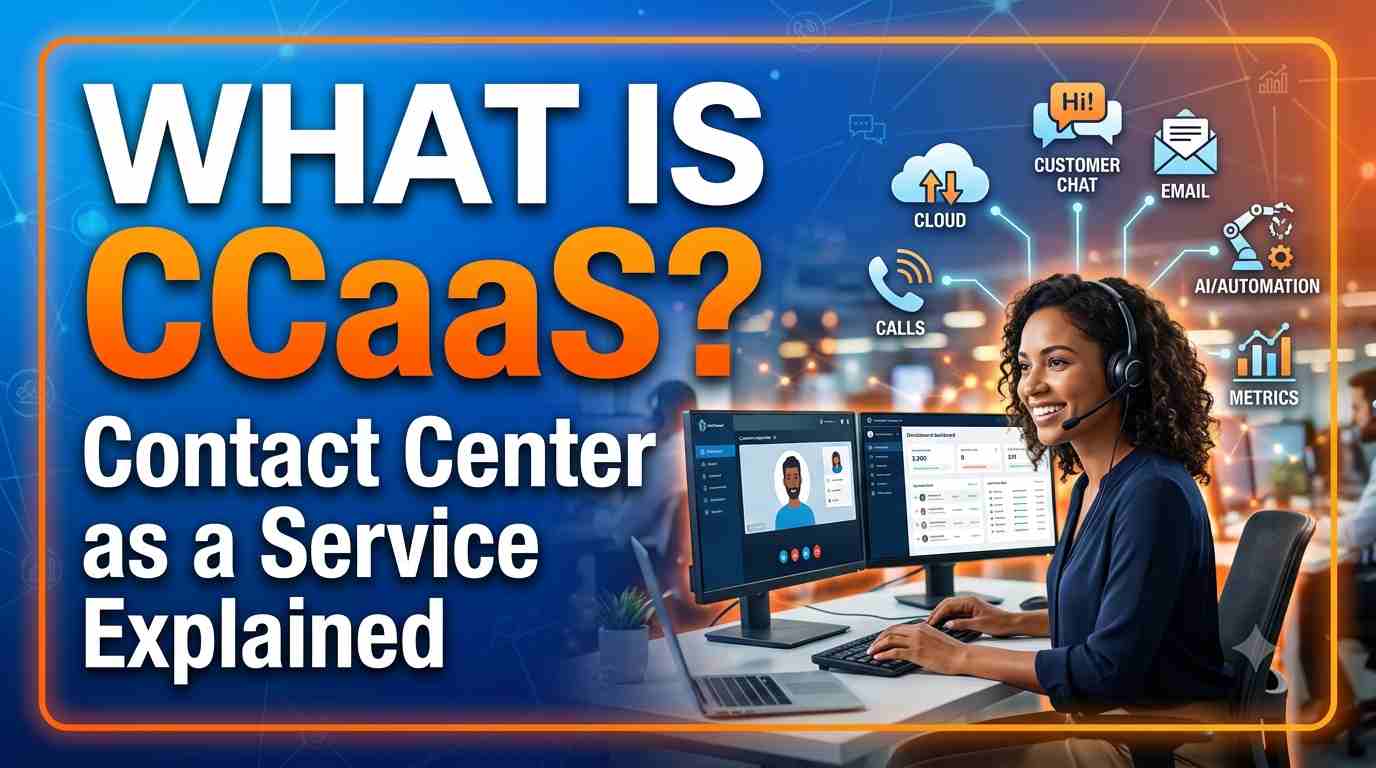

CCaaS stands for Contact Center as a Service. It is contact centre software that a vendor runs in the cloud and you use over the internet, paying a monthly or usage-based fee instead of buying servers, phone systems and licences. Agents log in from a web browser, and the vendor takes care of the infrastructure, upgrades and scaling.
If you have called your bank, chatted with an airline or messaged an online shop recently, there is a good chance a CCaaS platform handled that conversation. This guide explains what CCaaS means, how it works, its main features, how it differs from on-premises contact centres and UCaaS, the leading platforms and how to choose one.
CCaaS meaning in simple words
A contact centre is the team and technology a business uses to talk to customers: phone calls, chat, email, social messaging and more. Traditionally, companies bought and installed that technology themselves, in their own data centres. With CCaaS, the same capabilities come as a subscription service:
- Contact centre – the system that routes customer conversations to the right agent and measures how well they are handled.
- as a Service – the provider hosts, runs and updates it; you configure it and pay for what you use.
The idea is the same as moving from installing Microsoft Office on every PC to using Microsoft 365 in the browser.
How does CCaaS work?
When a customer contacts a business that uses CCaaS, the conversation travels like this:
- The customer reaches out by calling a number, opening a chat on the website, sending an email or messaging on WhatsApp.
- The platform answers with an IVR menu or an AI virtual agent that greets the customer and works out what they need.
- Self-service handles simple requests, such as checking an order or resetting a password, without a human agent.
- Routing finds the best agent based on skills, language, customer value and who is available. This engine is called the ACD (automatic call distributor).
- The agent answers in a browser, with the customer’s history and AI suggestions on screen, often pulled from a CRM.
- Everything is recorded and analysed: recordings, transcripts, sentiment and metrics feed reports and quality reviews.
All of this runs in the provider’s cloud. The business only needs agents with a computer, a headset and an internet connection.
Core features of a CCaaS platform
| Feature | What it does |
|---|---|
| Omnichannel routing | Voice, chat, email, SMS, social and messaging apps in one queue and one customer history |
| IVR and virtual agents | Automated menus and AI bots that resolve simple requests or collect details before an agent joins |
| ACD and skills-based routing | Sends each contact to the most suitable available agent |
| Agent desktop | Browser workspace with customer details, scripts, notes and AI assistance |
| Outbound dialling | Predictive and progressive dialling for reminders, collections and campaigns |
| Recording and analytics | Call recording, transcription, sentiment and conversation analytics |
| Workforce engagement | Forecasting, scheduling, quality management and agent coaching |
| Reporting | Real-time wallboards and historical reports on service level, handle time and more |
| Integrations | Connectors and APIs for CRMs such as Salesforce, ServiceNow, Zendesk and Dynamics 365 |
Benefits of CCaaS
- Fast to launch. A basic contact centre can go live in days instead of months.
- Lower upfront cost. No hardware or perpetual licences; costs follow usage or agent numbers.
- Scales with demand. Add agents for a sale, a product launch or a crisis, then scale back.
- Remote and hybrid friendly. Agents can work from home or any location with a browser.
- Continuous innovation. New features, especially AI, arrive automatically without upgrade projects.
- Resilience. Leading providers run across several data centres, so a single site failure does not take the contact centre down.
Limitations to consider
- Internet dependence. Agent connectivity and call quality depend on reliable networks.
- Data residency and compliance. Regulated industries must check where data is stored and which certifications the provider holds.
- Customisation limits. Highly bespoke on-premises logic may need to be redesigned rather than copied.
- Usage-based bills. Pay-as-you-go pricing is flexible, but costs need monitoring as volumes grow.
CCaaS vs on-premises contact centres
| On-premises | CCaaS | |
|---|---|---|
| Infrastructure | Your servers, gateways and data centre | Hosted and maintained by the provider |
| Cost model | Large upfront licences plus yearly maintenance | Subscription per agent or pay per use |
| Upgrades | Planned projects every few years | Continuous, handled by the provider |
| Scaling | Buy capacity in advance | Scale up or down on demand |
| Examples | Cisco UCCE/PCCE, Avaya Aura | Amazon Connect, Genesys Cloud, NICE CXone, Five9 |
CCaaS vs UCaaS vs CPaaS
- CCaaS (Contact Center as a Service) is for conversations between a business and its customers.
- UCaaS (Unified Communications as a Service) is for communication between employees: business phone lines, meetings and team chat. Microsoft Teams Phone, Zoom Workplace, RingCentral and Webex are common examples. See our unified communications guides.
- CPaaS (Communications Platform as a Service) gives developers APIs to add calling, SMS or video to their own apps, as Twilio does.
Many vendors now offer more than one of these, and the lines are blurring, but the core purpose of each is still different.
Leading CCaaS platforms
Each platform below has a detailed guide on our blog covering features and pricing:
- Amazon Connect (now Amazon Connect Customer) – AWS’s pay-as-you-go contact centre with strong AI and AWS integration. Start with what is Amazon Connect.
- Genesys Cloud CX – a broad, enterprise-grade platform popular with large contact centres.
- NICE CXone – strong in workforce engagement and analytics. See our NICE CXone pricing guide.
- Five9 – known for outbound dialling and mid-market to enterprise deployments.
- Talkdesk – cloud-native with industry-specific editions.
- Cisco Webex Contact Center – Cisco’s cloud platform and the natural path for Cisco UCCE customers.
- Google Cloud CCAI Platform, Microsoft Dynamics 365 Contact Center, Zoom Contact Center and 8×8 are also widely used.
Browse all of them in our contact centre solutions hub.
How to choose a CCaaS platform
- Start with your channels and volumes. A voice-heavy support desk needs different strengths from a chat-first e-commerce team.
- Check integrations. Make sure it connects cleanly to your CRM, ticketing and identity systems.
- Look at AI honestly. Ask what is included, what costs extra and what is already in production with similar customers.
- Model the real cost. Compare per-agent subscriptions with pay-per-use pricing using your own contact volumes, including telephony and AI.
- Confirm compliance. Data residency, PCI DSS, HIPAA or local regulations may rule some options in or out.
- Run a pilot. A small team on the new platform for a few weeks tells you more than any demo.
The future of CCaaS
The biggest change is AI. Virtual agents now resolve a growing share of routine requests end to end, real-time agent assist suggests answers during calls, and generative AI writes call summaries automatically. Vendors are also moving from separate products towards complete customer experience platforms that combine contact centre, CRM data, analytics and workforce tools, as AWS did when it turned Amazon Connect into a family of products in 2026.
For people working in contact centres, this shift creates strong demand for skills in cloud platforms, integration and AI. If you want to build those skills, our live Amazon Connect training is a practical place to start, and our interview question collections cover all the major CCaaS platforms.
Frequently asked questions
What does CCaaS stand for?
CCaaS stands for Contact Center as a Service: cloud-hosted contact centre software delivered on a subscription or pay-per-use basis.
Is CCaaS the same as a cloud call centre?
Mostly, yes. “Cloud call centre” usually refers to voice only, while CCaaS covers every channel: voice, chat, email, messaging and social.
Is Amazon Connect a CCaaS platform?
Yes. Amazon Connect (now Amazon Connect Customer) is AWS’s CCaaS offering, with pay-as-you-go pricing and built-in AI.
How much does CCaaS cost?
It depends on the model. Per-agent platforms usually charge a monthly fee per user by feature tier, while usage-based platforms such as Amazon Connect charge per minute or per message. Telephony and AI features often cost extra, so always model your own volumes.
Is CCaaS secure?
Leading providers encrypt data, offer fine-grained access control and hold certifications such as ISO 27001, SOC 2 and PCI DSS. Security still depends on how you configure the platform, so follow the provider’s best practices.
Join our live, instructor-led Amazon Connect training: 17 modules, 75+ hours, 80% hands-on labs, rated 4.8★ by our trainees. Or test yourself first with our free practice exams.